
One calm timeline
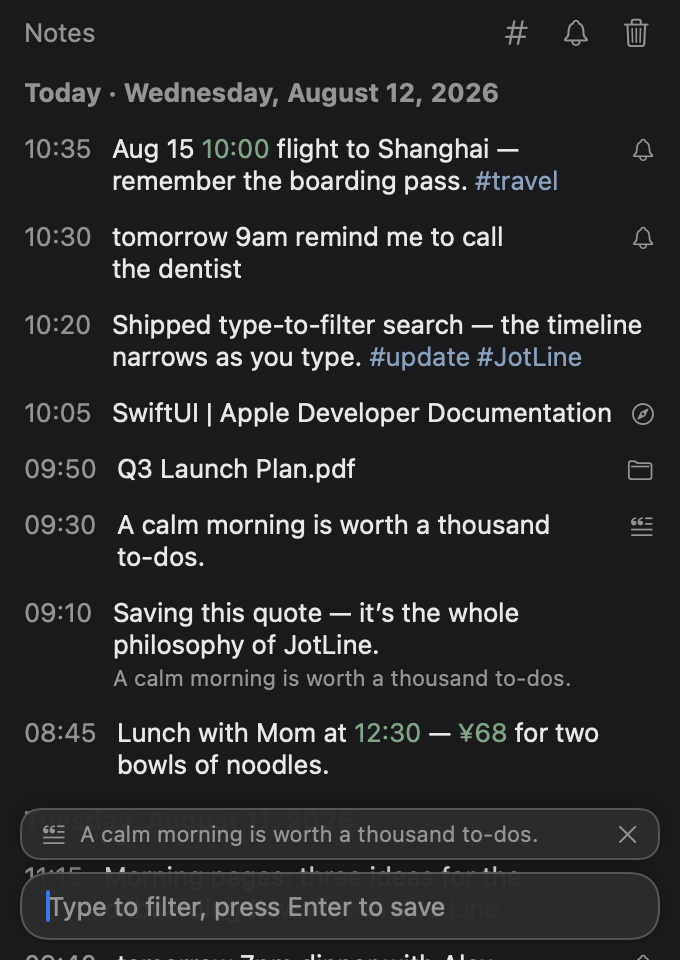
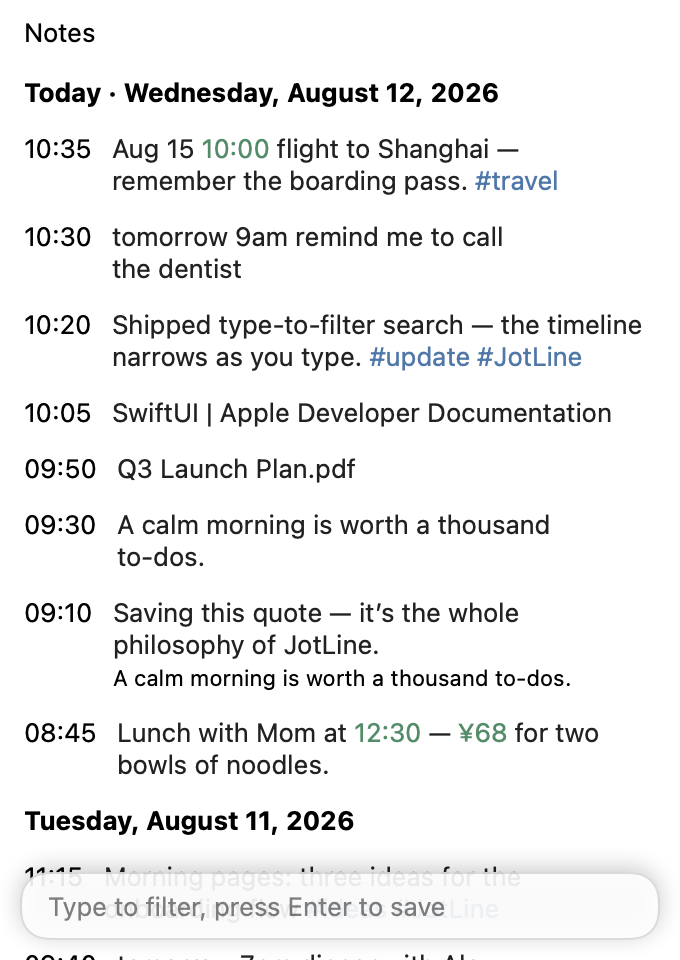
Newest notes on top, grouped by natural day, with infinite scroll back through your history. A single column, nothing else.
A calm, minimal notes app on your Mac. Press the hotkey, type, and it's saved — newest note on top, grouped by day, scroll back forever.
Features
JotLine stays out of your way. No formatting tools, no windows to manage — just type, tag, remind, and go.
Newest notes on top, grouped by natural day, with infinite scroll back through your history. A single column, nothing else.
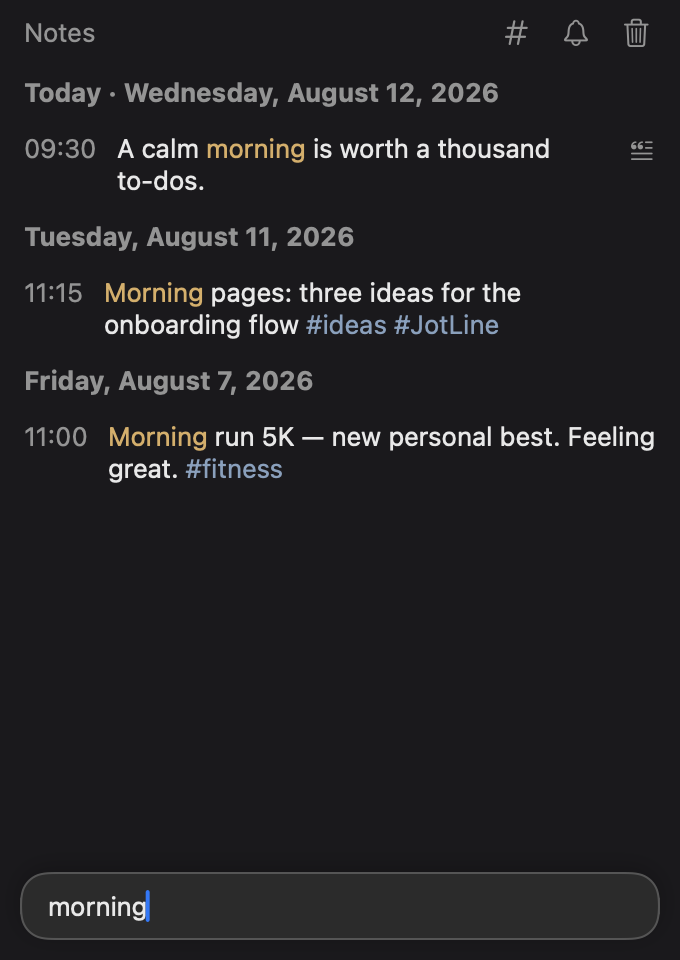
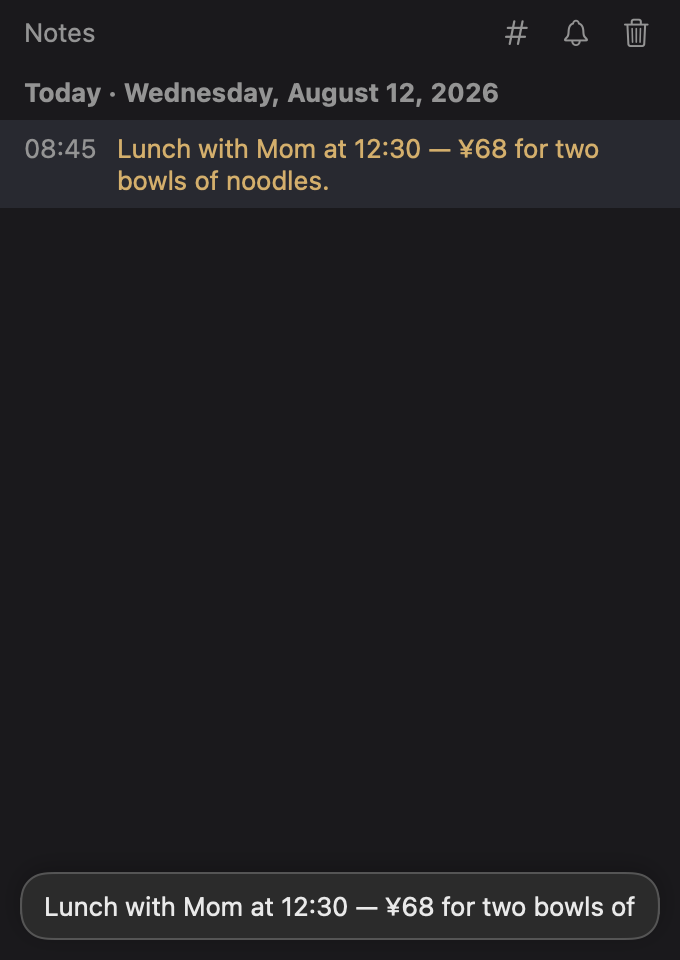
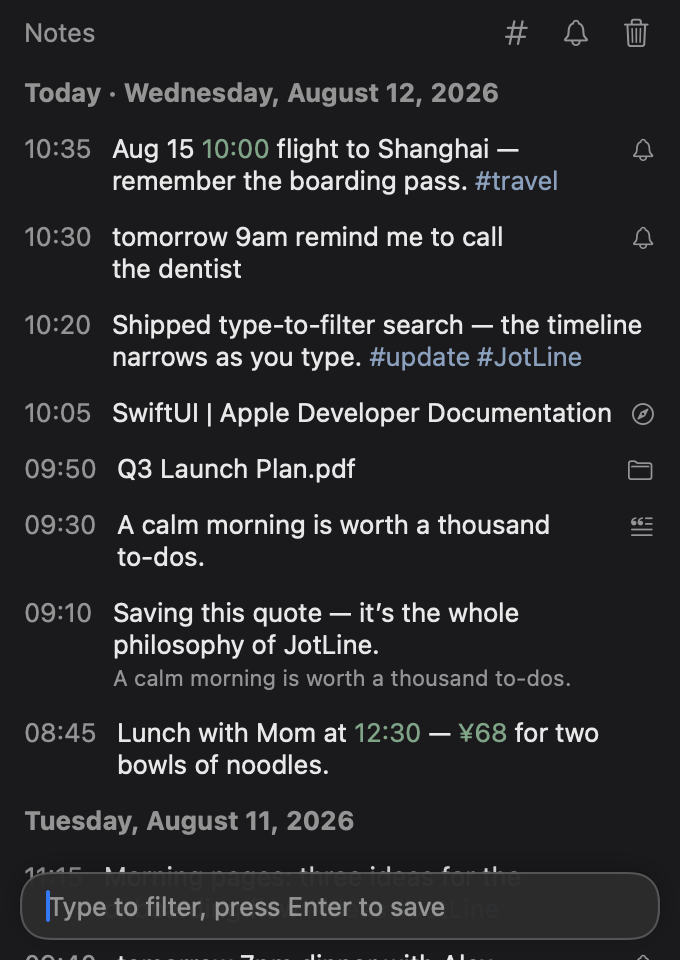
Just start typing in the composer — the timeline filters instantly. Matches glow amber, dates and amounts turn green, #tags turn blue.
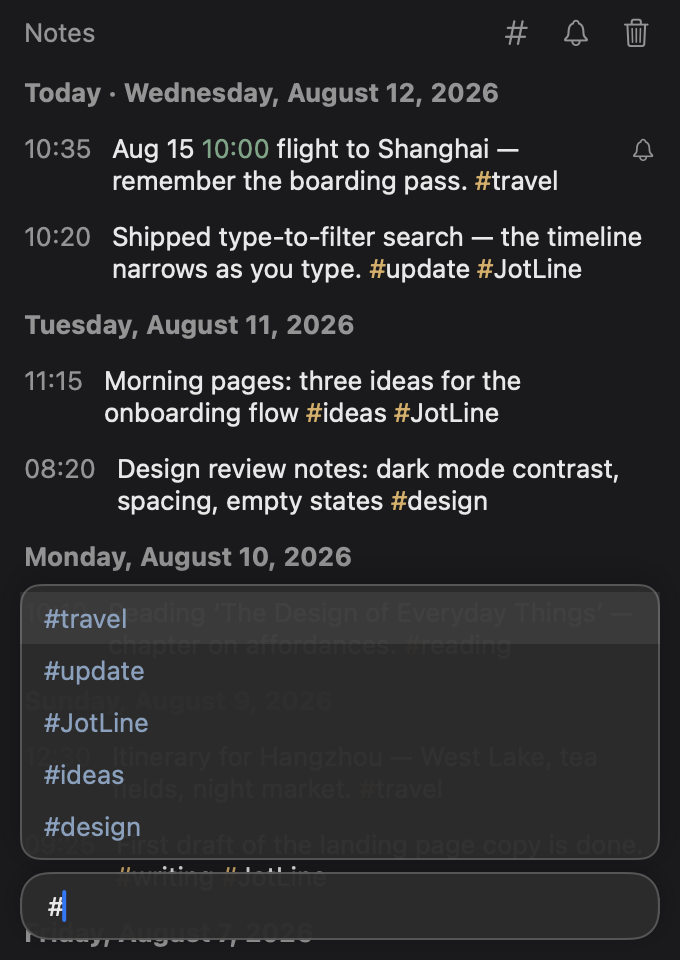
Type # and JotLine suggests tags you already use. Arrow keys or Enter to complete — keep typing to create a new one.
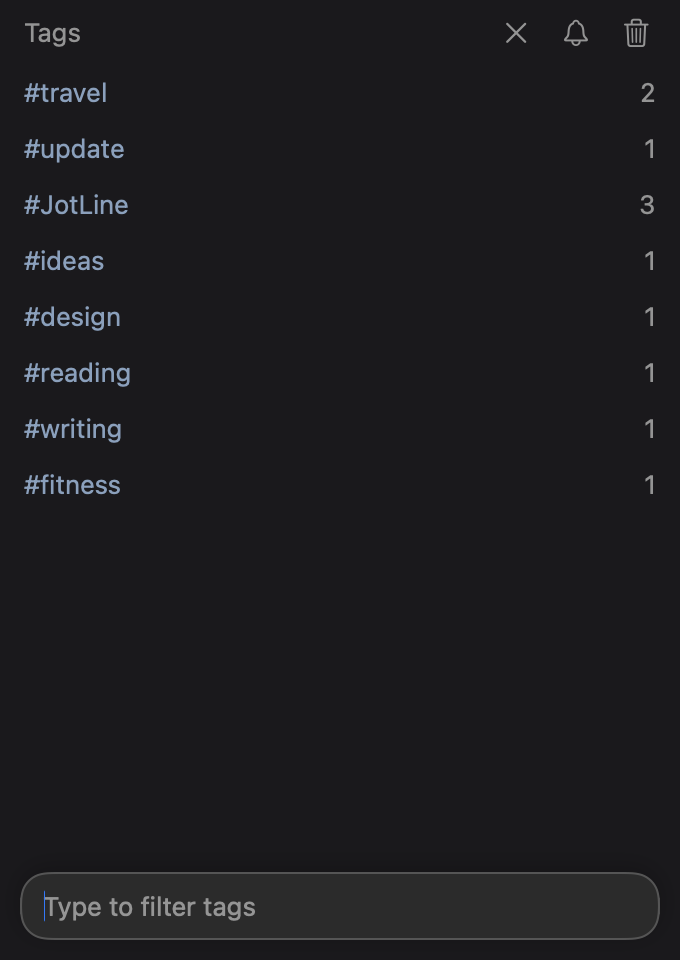
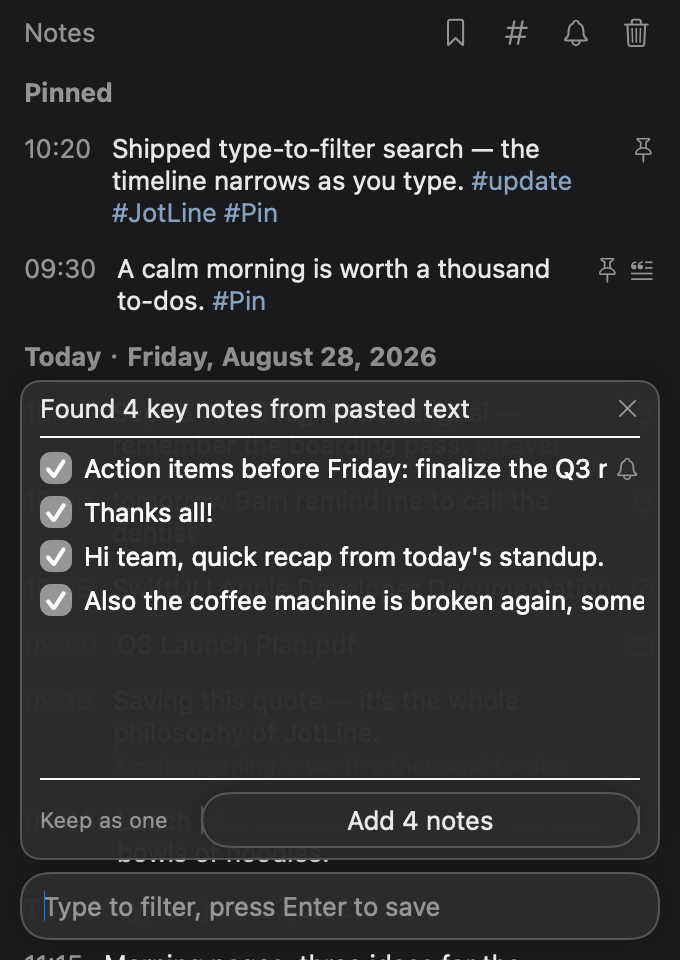
A dedicated page lists every tag by most recent use, with its count. Rename, merge, or delete tags everywhere at once.
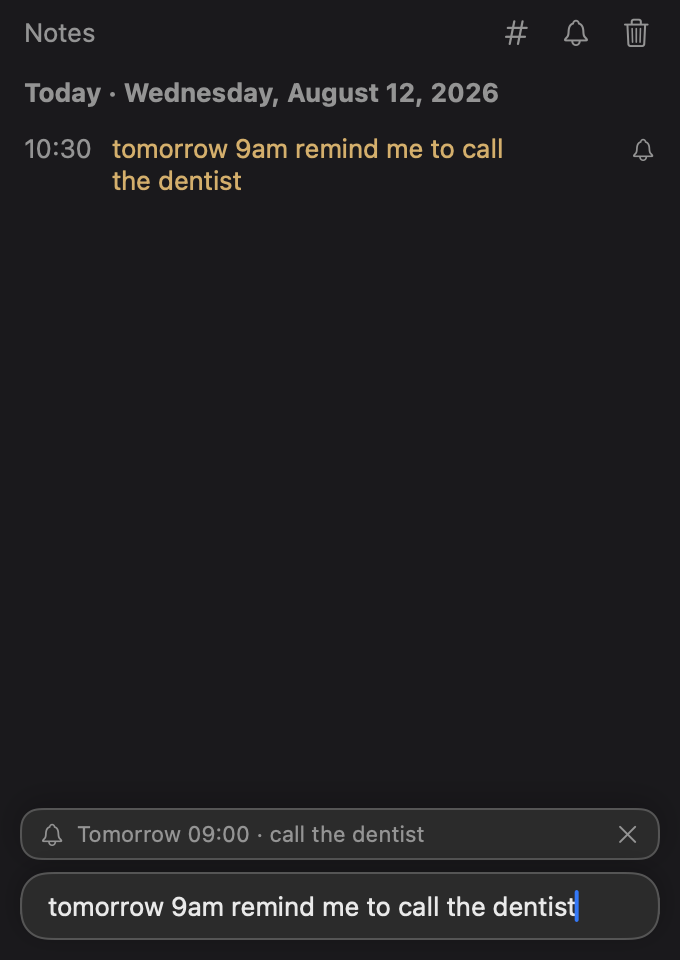
Type “tomorrow 9am call the dentist” and JotLine schedules a system notification — recognized in 13 languages, automatically.
Every pending reminder in one list, sorted by time. Click one to jump straight to its note, or cancel it in a click.
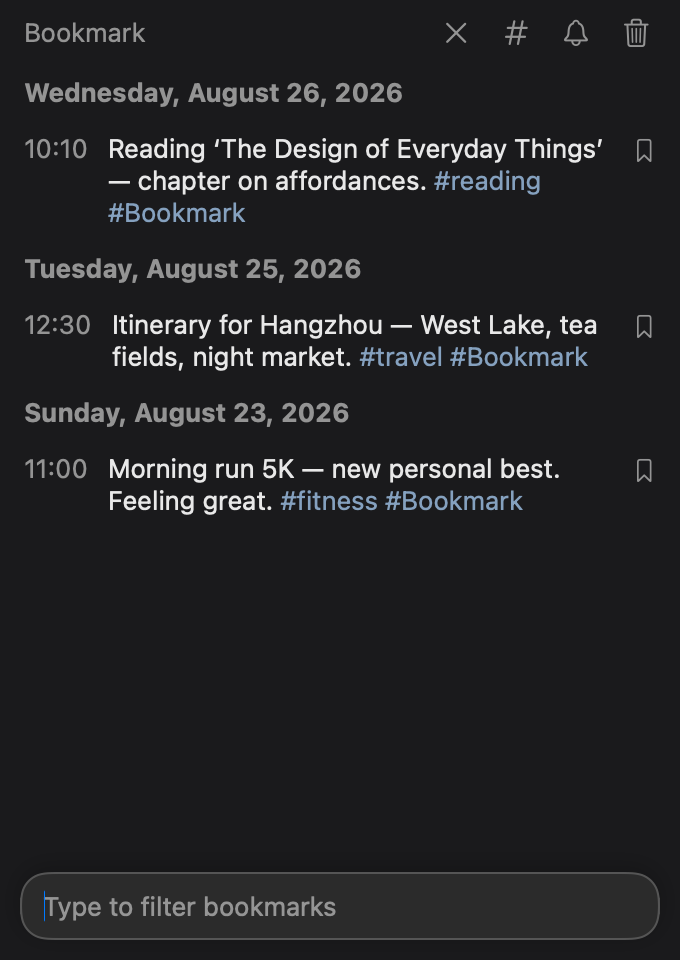
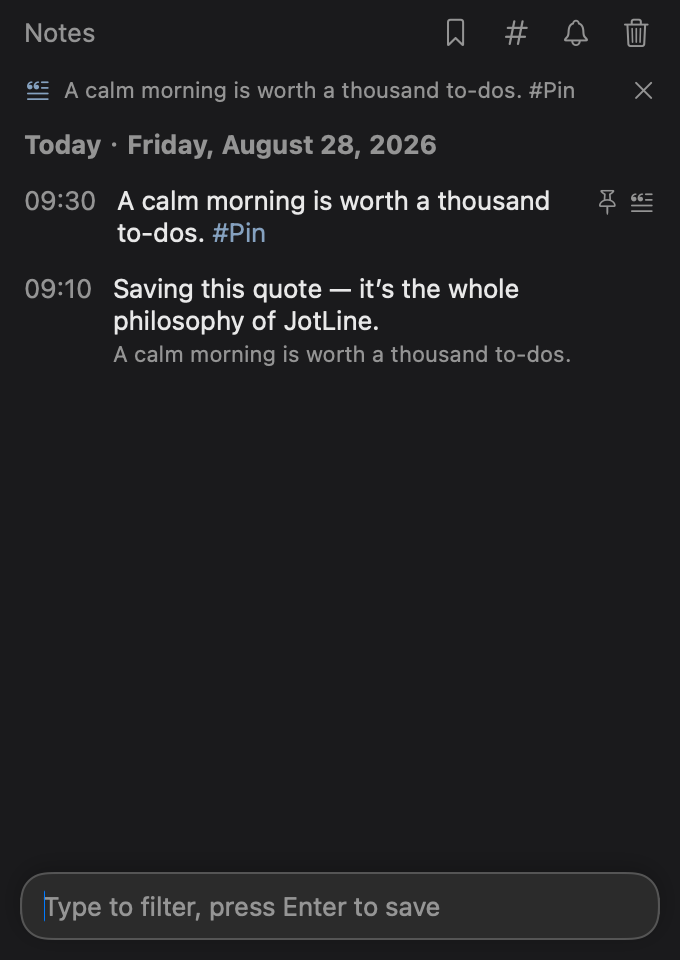
Double-click any note to quote it. Replies keep a snapshot of the original, with bidirectional jumps between a reply and the note it quotes.
Click any note to load it into the composer, edit, and press Enter. It updates in place — same spot, same time, same order.
JotLine follows your Mac's appearance — dark for late-night jotting, light for bright days. Text, highlights, and the Liquid Glass composer adapt automatically.
Paste a URL to save a web-link note — the safari icon opens it in your browser. Paste a real local path and the folder icon opens it in Finder.
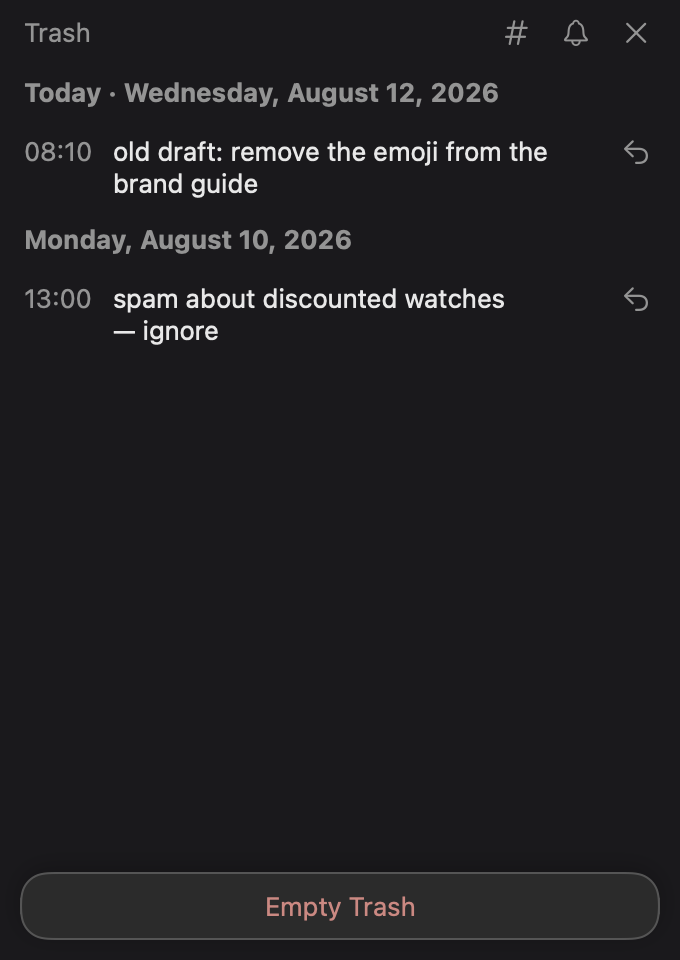
Deleting moves notes to a trash with one-click restore, grouped by day. Empty Trash is the only permanent step.
~/Library/Application Support/JotLine/
Everything is stored in plain JSON files on your Mac. No account, no cloud, no tracking — your notes never leave your computer.
menu bar icon → right-click
Back up or move notes from the menu bar's right-click menu. JSON round-trips perfectly; Markdown is a friendly export for reading anywhere.
JotLine follows your Mac's language — English, 中文, 繁體中文, 日本語, 한국어, Deutsch, Français, Español, Dansk, Norsk, Svenska, Nederlands, Italiano and Português.
⌃⌥Space summons JotLine from anywhere, over any app. It's a menu bar agent — no Dock icon, no window clutter.
How it works
JotLine appears instantly, floating over whatever you're doing.
Hit Enter and it's saved — tags, reminders and links are understood automatically.
JotLine tucks away. Type in the composer anytime to search your whole timeline.